
Let your guests know who to call
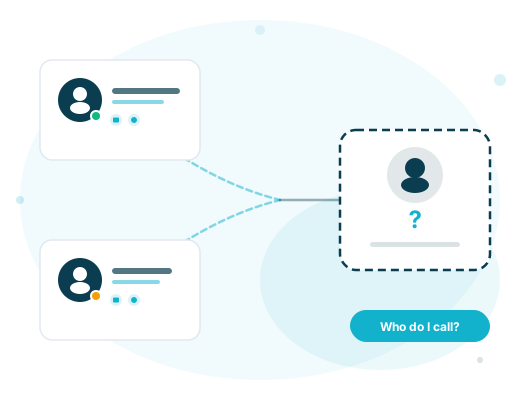
A SharePoint Framework web part that shows B2B guest users their assigned Microsoft Entra sponsors — live contact cards with photos, Teams presence, and one-click communication.
Everything guests need — nothing they don't
Purpose-built for the moment a guest user lands in your tenant and needs to know who their contact is.

Live Sponsor Cards
Rich contact cards with profile photos, job titles, email, phone, and office address — loaded live from Microsoft Graph, never stale.

Real-Time Teams Presence
See whether a sponsor is Available, Busy, In a Meeting, or Away — with coloured status indicators that update automatically.

Teams Chat & Call
One-click deep links to start a Teams chat or call with the sponsor, with built-in detection for "Teams not provisioned yet" states.

Privacy-First Architecture
All data stays in your Microsoft 365 tenant. No external services, no tracking, no data leaves your boundary. Period.

Teams Onboarding Status
Guests often accept the invitation but can't use Teams until they've been added to a Team. The web part detects this and shows a clear message with guidance — instead of leaving them with broken buttons.

Automatic Sponsor Delegation
When a primary sponsor is unavailable, the next sponsor in priority order steps in automatically. Disabled accounts and shared mailboxes are filtered out.
Created & maintained by

Microsoft 365 governance, identity, and guest access — our domain.
We built Guest Sponsor Info because we work with exactly these challenges every day. As a consultancy specialising in Microsoft 365 collaboration, security, and identity management, we help organisations design and implement scalable solutions — from architecture to rollout. This web part is our contribution to the community, provided free of charge.
Work with us →
Ready to improve your guest experience?
Deploy in minutes with the included Azure Function and ARM template. Free and open source under the PolyForm Shield License.